




Microsoft Purview has always been the answer to data governance and compliance. In the age of AI, it has become something more urgent: the difference between deploying Copilot confidently and deploying it blindly.
I deploy and optimize Purview for a living, and the pattern is consistent. Copilot does not create new data risk. It surfaces the risk already sitting in your tenant, waiting for someone to ask the right question. Most of the controls you need are already available with your current licensing. You are probably just not using them yet.
Below are the most effective things your team should be doing with Purview now, from the foundations through the AI-specific capabilities most organizations do not know they have. In short:
- Sensitivity labels and DLP are the foundation for everything, including AI governance.
- Most Copilot oversharing is a SharePoint permissions problem, not a Copilot problem.
- DSPM for AI shows you your exposure without your having to define what “sensitive” means first.
- Three things you can act on before Friday are at the bottom of this post.
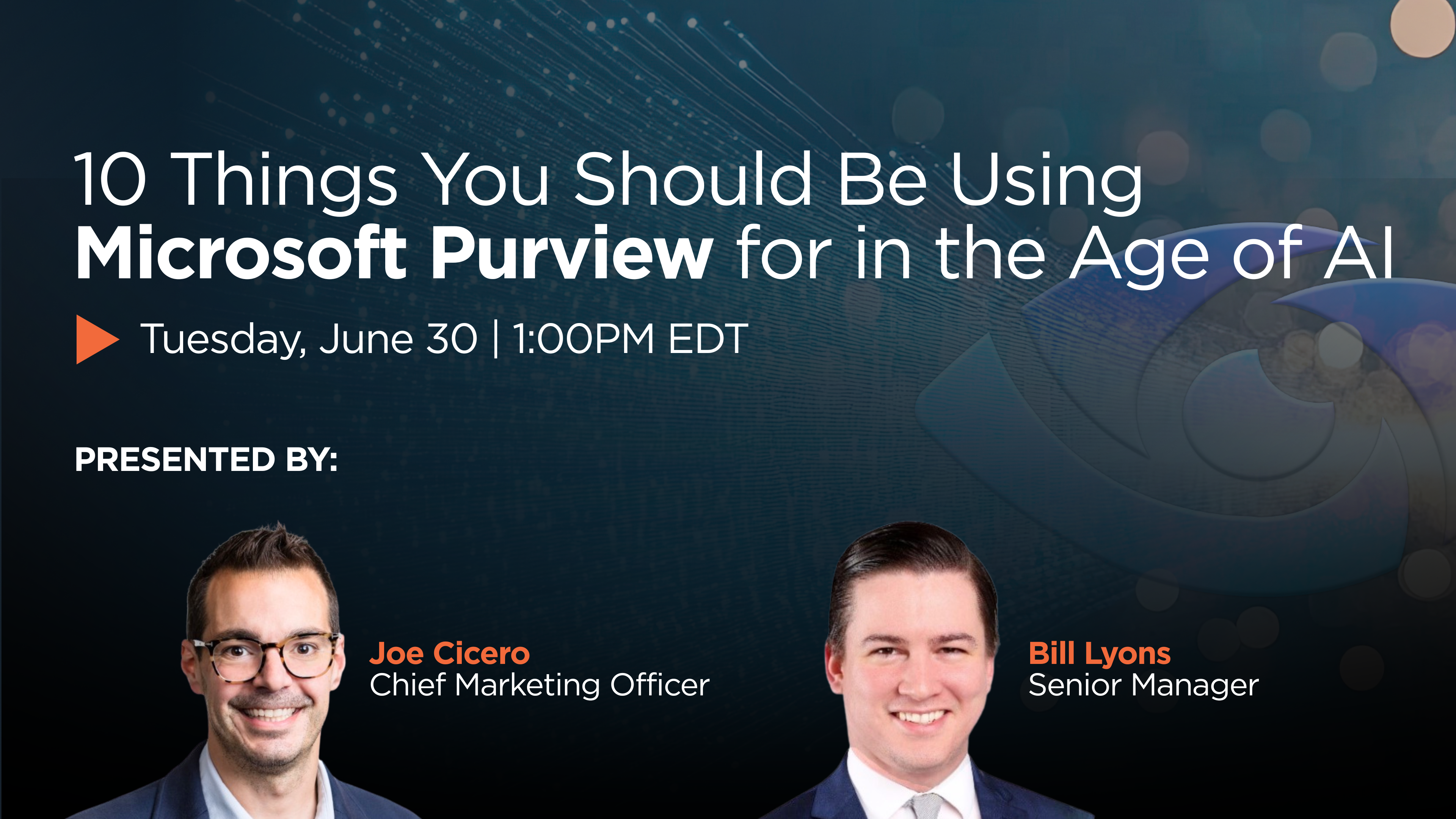
View this On-Demand Webinar
In this 30-minute interview-style session, SRA’s CMO Joe Cicero sits down with Purview expert Bill Lyons to walk through 10 practical use cases, from foundational data classification and DLP to the AI-specific capabilities most organizations don’t know they already have access to.
The Foundations
What is Microsoft Purview, and why does it matter more now?
If you ask ten people what Purview is, you will get ten answers: Azure Information Protection, Compliance Manager, labels and DLP policies – the list goes on. After more than a few rebrands, Purview is currently a suite of more than a dozen data governance, protection, and compliance solutions, spanning information protection and DLP, insider risk, eDiscovery, audit, and data security posture management.
Purview is not one thing. Knowing what each solution does is the first real step toward mitigating AI risk, and you cannot build a successful deployment until you know which capabilities you already have.
Where should data classification actually start?
You cannot protect data you do not understand, so from a technology standpoint, classification comes first. But most organizations skip an even more fundamental question: what do we actually care about? Is it payment card data, protected health information, trade secrets, credentials, or proprietary source code? That question gets glossed over, and security teams end up building classification schemas in a silo.
Without input from your business partners, you are guessing, and you fall back on the defaults. Purview ships with more than 300 built-in sensitive information types (SITs), andvery few of them matter to any given organization. Your company is probably not hunting for Albanian driver’s license numbers or Austrian passport IDs.
So the first step in classification does not happen in the Purview console. It happens when you can state, in plain English, what data you are trying to protect. Then you decide whether any default classifiers or SITs fit, and where they do not, you design your own or use trainable classifiers.
What most teams get wrong
- Too many labels. Start with four to six sensitivity labels, not twenty. Microsoft’s own guidance caps a workable taxonomy at around five parent labels. Complexity kills adoption.
- Boiling the ocean. Go one use case at a time. If you turn everything on at once, you flood your alert center with noise and learn nothing.
- No business context. Labels drive everything downstream: DLP, encryption, and AI governance. Without classification, your AI tools have no idea what is sensitive.
What does modern Data Loss Prevention look like in Purview?
DLP still has the features you remember. It is policy-based enforcement across endpoints, Exchange email, SharePoint, Teams, and third-party apps through Defender for Cloud Apps. You can write a policy that says: if someone shares a document labeled Confidential outside the organization through any of those channels, block it, prompt them to justify it, or notify their manager.
What is new, and tied to AI, is that DLP now extends to AI interactions. If an employee pastes sensitive data into a Copilot chat or a third-party AI tool, Purview can catch it. That did not exist two years ago.
The enforcement plane now includes:
- Inline web traffic policies for data moving through browsers, including Edge and non-Microsoft browsers, and into web apps like ChatGPT.
- Application-scoped policies for Microsoft 365 Copilot and Copilot Chat, with actions that restrict Copilot from processing prompts or performing web searches.
One caution before you write a rule: understand what is allowed first. Some organizations permit external collaboration. Some use Gmail on purpose. And most DLP deployments I inherit run in audit mode only, which means zero enforcement. Knowing where your important data lives, and where it is allowed to move, tells you which policies to build.
Governance and Compliance
What are most organizations leaving on the table in information protection?
Here is the part that surprises people. Most of the oversharing problem for Copilot is not a Copilot problem at all. It is a Microsoft 365 application issue. Users create “anyone” links, they spin up public channels and sites, and they apply old labels without considering how Copilot interacts with them.
The controls that fix this are mostly SharePoint administrator settings, and they get overlooked:
- Apply labels at the SharePoint site level to lock down entire sites, not just individual documents.
- Use Restricted Content Discovery to keep sensitive sites out of Copilot results while leaving permissions intact.
- Control site membership and use Restricted Access Control on business-critical sites.
- Look at the labels themselves. There is a file permission called EXTRACT that governs whether Copilot can read a document. Label your files correctly and Copilot cannot see them.
In our field work, most E3 and E5 customers use only a fraction of what they pay for, often leaving 60 to 70 percent of Purview modules and functionality unused. Most of the risk people blame on Copilot is user-generated, from casual site and document management. Copilot does not create oversharing; it reveals it. Start there before you configure the rest of the suite. Microsoft’s secure and governed foundation guidance is a good map.
How does Purview help with insider risk?
Insider risk is the human problem: the departing employee, the disgruntled one, or the person making a bad decision with data. Insider Risk Management (IRM) in Purview detects anomalies measured against a baseline, but it is on you to know what “normal” looks like. The classic example is a suspicious weekend file download. If you have an offshore presence or a 24/7 SOC, that might be perfectly legitimate. Any team standing up IRM also needs legal and compliance on board with how alerts get enforced.
On the technology side, IRM offers more than 100 indicators you can use as signals. Some organizations run IRM policies just to watch for a handful of them, such as label downgrades or file obfuscation. The highest-value move is integrating an HR feed to pull termination dates, because “two weeks from a termination date” is a strong use case that depends on that data.
There is also a newer policy type, currently in preview, for risky AI usage detection. It scans for unsafe agent interactions: agents accessing sensitive data, generating risky outputs, or passing information outside organizational boundaries. One quirk: Purview adds features constantly, and they are not always where you expect. Monitoring a suspicious Copilot prompt lives inside the IRM solution today, even though you might think of it as data protection.
Are you ready when legal or compliance comes knocking?
eDiscovery lets legal and compliance teams search across Microsoft 365 content, including email, Teams messages, SharePoint, and OneDrive, and place legal holds so content cannot be modified or deleted. What makes the current generation better is the audit log. At the premium tier, which costs extra, Purview captures who accessed what, when, from where, and using which application. When AI is involved, that includes Copilot prompts and responses. If you need to reconstruct an incident or answer a regulator about your AI usage, the audit log is your evidence. Organizations without it configured tend to find out the hard way.
Two things you can do this week
- Create a sample eDiscovery case. Get familiar with the fields, settings, and search queries now, not when a matter lands on your desk.
- Run an audit log search on your own activity for the past week. See what you can find, and learn the difference between “friendly names” and “operation names” when you build a query. More advanced queries can be built using Kusto Query Language (KQL).
AI-Specific Capabilities
What are Purview’s AI capabilities, and why do they matter?
Microsoft adds AI capabilities to Purview so quickly that you might not know what the module is called this week. There was an “AI Hub.” It was replaced by DSPM for AI, which is now migrating into a unified Data Security Posture Management (DSPM) module. The classic DSPM for AI is set to retire on September 30, 2026, so build on the new version.
A few capabilities are worth your attention:
- One consolidated view. DSPM pulls DLP, IRM, and communication compliance into a single place so anything AI-related appears together, now shown as policies with AI workloads.
- Data risk assessments. Purview flags sensitive data exposed in the tenant without your having to define what “sensitive” looks like first. That includes items with sharing links that anonymous external users have already accessed. Remember though – it is still up to you as the administrator to validate whether that data is actually sensitive. Using your labels is always better than Purview’s best guess.
- Objectives and remediation. You can set an objective like “prevent oversharing of sensitive data,” and Purview generates remediation plans for the risks it detects, along with discovery for AI apps and agents in your environment.
The solution has been through a few facelifts, so there is a lot to absorb. As long as your underlying policies and classifications are solid, you can get real value out of it. Microsoft’s overview for generative AI apps is a good reference.
How do you fix Copilot oversharing before it becomes a crisis?
This is the most common reason organizations pause their Copilot rollouts, and it is a legitimate concern. Copilot respects SharePoint permissions and only returns content a user is authorized to see. The problem is that permission models in most Microsoft 365 environments are a mess: documents shared broadly years ago, sites set up with “everyone” access, sensitive files dropped into general sites because it was convenient.
Beyond those site-level controls, use DSPM to run a data risk assessment and identify which SharePoint sites are a problem. Content Explorer also finds the mailboxes, Teams channels, sites, and OneDrive accounts holding labeled data, so you can work with owners directly.
Finally, roll out Copilot licenses slowly and stress-test first. At SRA we run about 100 prompts to hunt for sensitive files and pinpoint the riskiest exposures before assigning licenses to the rest of an organization. Our Copilot Readiness Assessment includes a DSPM scan and a remediation plan, and we have never run one where the client did not find issues to fix before going live.
How do you extend DLP and labels to AI interactions?
It is not automatic, but configured correctly it works well. Sensitivity labels travel with documents. When Copilot interacts with a document labeled Highly Confidential, it is aware of that label and the protections attached to it. DLP policies can be extended to cover what users paste into AI prompts. If someone lifts text from a confidential contract into a Copilot chat, or a non-Microsoft AI tool in a browser, Purview can intervene: block the action, prompt the user to acknowledge the sensitivity, or alert the security team.
The insight is simple: AI is just another data channel. The same policy engine that governs email and file sharing can govern AI, but only if you extend the policies on purpose. Most organizations have not done that yet. Two notes:
- Prompt-level DLP for browser-based AI requires either Defender for Endpoint or the Purview browser extension.
- If you only have Purview, you can still configure Communication Compliance to monitor Copilot interactions and alert when users ask for things they should not, such as “show me sensitive data.”
The work here is policy engineering: alerting on the use cases that matter without flooding the console with noise.
Where should you start on Monday morning?
My honest advice: the first thing a CISO should do does not require logging into the Purview console. It is a conversation. Meet with your executive leadership team and agree on your organization’s most important data types, and get their support to use Purview to protect them. Data protection is a business problem that security can help solve, and no program survives when it runs on a best guess about what matters. Once you have that agreement, start here:
- Stop the bleeding. If you have rolled out Copilot, review your Microsoft 365 sharing settings, decide which sites should be restricted from Copilot queries, and update those sites.
- Audit your classifiers. Check the inventory of default sensitive information types, keep the ones that fit, and identify which you need to build from scratch to detect business-critical data.
- Run a data risk assessment. Use DSPM to see what Purview thinks your exposure is, then review the standard reports for risks and suggested remediation actions.
AI is not a silver bullet. There is no button that secures the environment for you. What works is treating Purview as one part of a data security program: get business buy-in, lock down your sharing settings, and build the SITs and labels that reflect what your organization cares about. The rest of the suite gets easier once that foundation is in place.
SRA has deployed and optimized Microsoft Purview across industries, and we are doing that work now to help clients adopt AI safely. If this sounds like where your organization needs to go, let’s have a conversation about your environment.

Bill Lyons
Bill is a cybersecurity consultant with experience leading framework-based assessments including NIST, CIS, HIPAA, HICP and other customized maturity frameworks. Additionally, Bill has experience performing cloud configuration assessments across Azure, AWS, and GCP with a focus on Microsoft 365 tenant hardening. In the last few years, Bill has developed SRA’s Purview service offerings to help clients get the most out of their Microsoft license model.